


Editorial Note: I may earn a commission when you visit links on my website.
A website is made up of many interconnected parts, including hosting, themes, plugins, performance, and SEO. When something breaks, slows down, or behaves unexpectedly, understanding these connections allows you to identify the source of the problem and apply the correct fix rather than relying on trial and error.
This guide avoids AI automation shortcuts and “vibe coding” approaches. Instead, it is based on my real-world experience from building, rebuilding, and maintaining WordPress websites over more than six years. The aim is to explain how websites actually work behind the scenes, so you can make informed decisions and remain in control of your site.
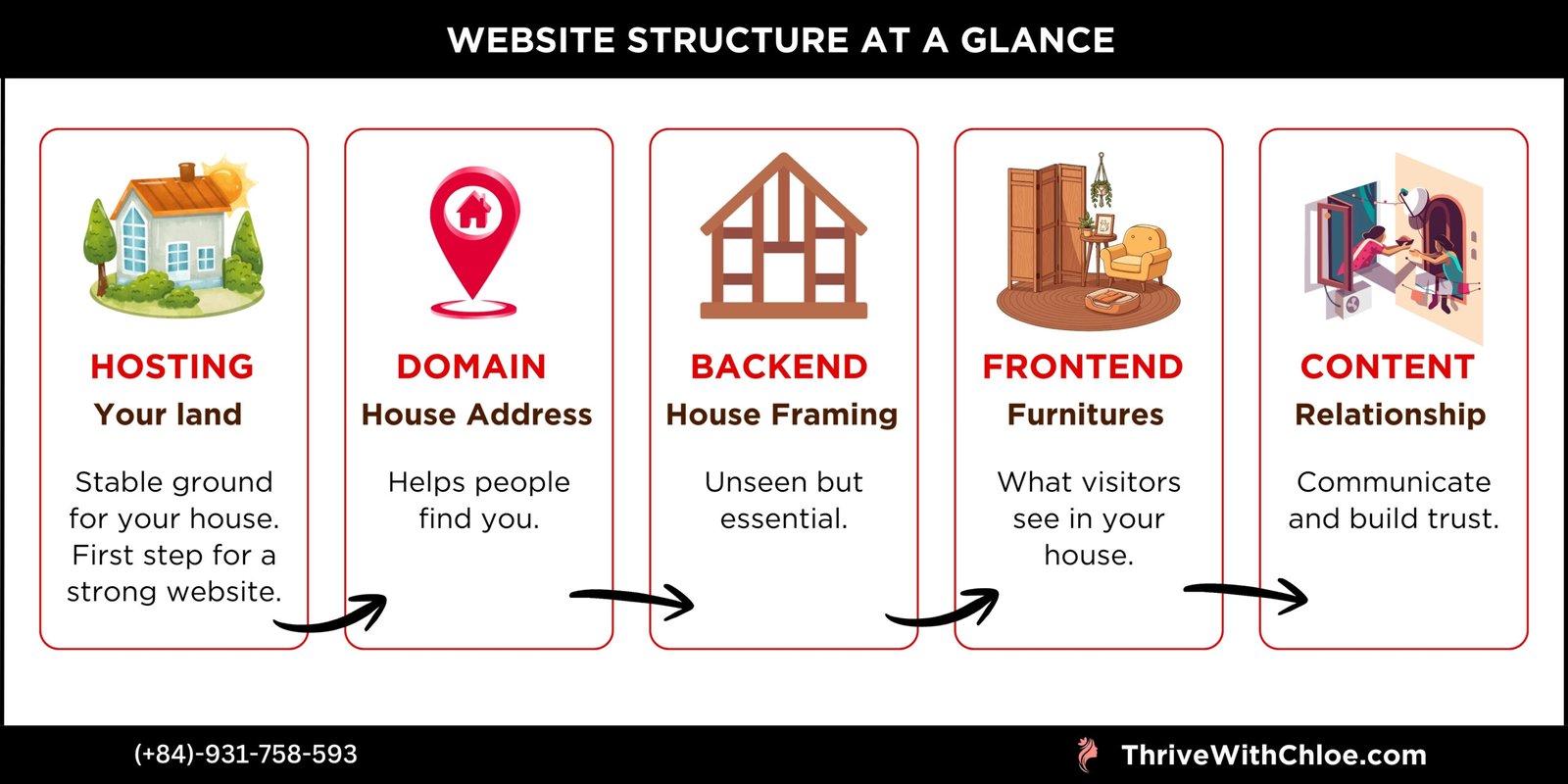
Think of Creating a Website Like Building a House
Before getting into hosting, themes, or plugins, it helps to imagine what building a website is actually like.
I often explain it the same way I think about it myself – as building a house. When you understand each part of the house, the website process becomes much less intimidating.
Hosting Is the Land Your House Sits On
Your hosting is the land your house is built on. If the land is unstable or poorly maintained, problems will appear no matter how nice the house looks. This is why hosting is always the first thing to think about when building a website.
Your Domain Is Your House Address
Your domain name is your website’s address. It helps people find you, but it doesn’t determine how strong or well-built the house is. A good address matters, but it only works if the house behind it is solid.
Structure and Design Are the Framing and Furniture
The website structure and backend are the framing of the house – the part people don’t see but rely on. The frontend design is the furniture and decoration. This is what visitors interact with, and how they experience your space when they arrive.
Content Is How You Build Relationships
Content is how you communicate with your neighbours. It’s how people get to know you, trust you, and decide whether they want to come back. Without content, a website may exist, but it rarely grows or feels alive. With that picture in mind, the next section focuses on the very first step: choosing the right land and setting up a safe space to build – your hosting and staging environment.
Website Hosting and Staging Setup
Before thinking about design, colours, or content, a website needs a solid place to live. Hosting provides the technical environment that keeps your site online, secure, and fast, while staging gives you a safe space to make changes without breaking anything publicly.
Choosing the Right Hosting Provider
Over the years, I have worked with multiple hosting providers across different client projects and website types. What I have learned very quickly is that hosting isn’t just about speed or pricing – it’s about how much support you get when something goes wrong. And something will go wrong at some point, even on well-built websites.
Below are my honest experiences with several hosting providers I have used. These are not endorsements – just real observations from real projects.
SiteGround
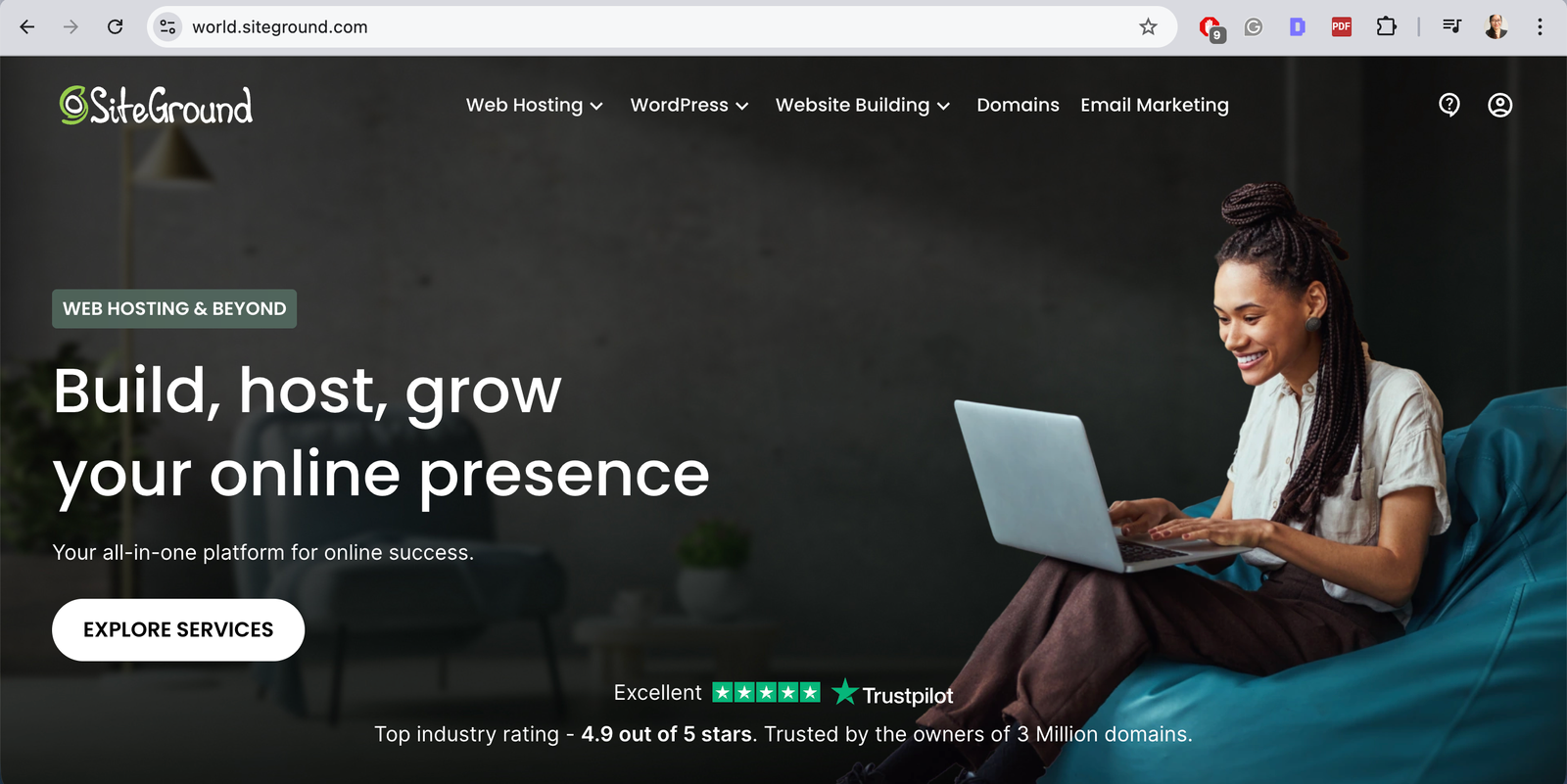
SiteGround has been the most stable and reliable hosting provider I have worked with. Websites hosted on SiteGround tend to load fast, handle traffic well, and rarely experience unexplained issues. Their platform is very WordPress-friendly, and most things are well documented and easy to manage.
The downside is the price. SiteGround is not the cheapest option, especially after the first year. That said, if budget allows, it’s one of the safest choices for long-term projects where performance and stability really matter.
Hostinger
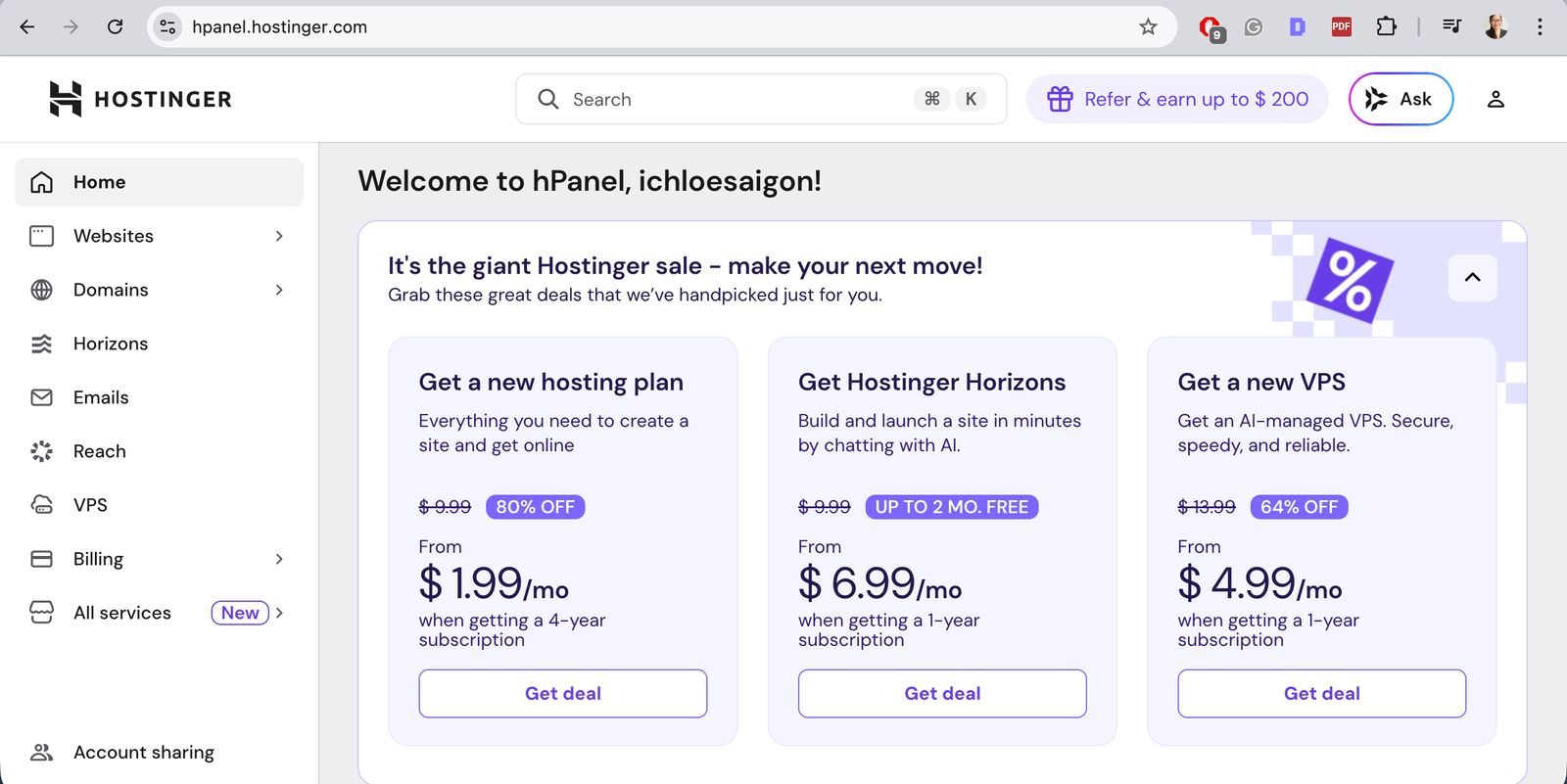
Hostinger sits nicely in the middle. It’s reasonably priced, easy to use, and the dashboard is beginner-friendly, which makes it less intimidating if you’re managing your own website. Their customer support is generally helpful, even if it’s not as advanced as higher-end providers. From my experience, Hostinger is a practical option for many websites – especially if you want something affordable but still functional and relatively reliable.
WPX
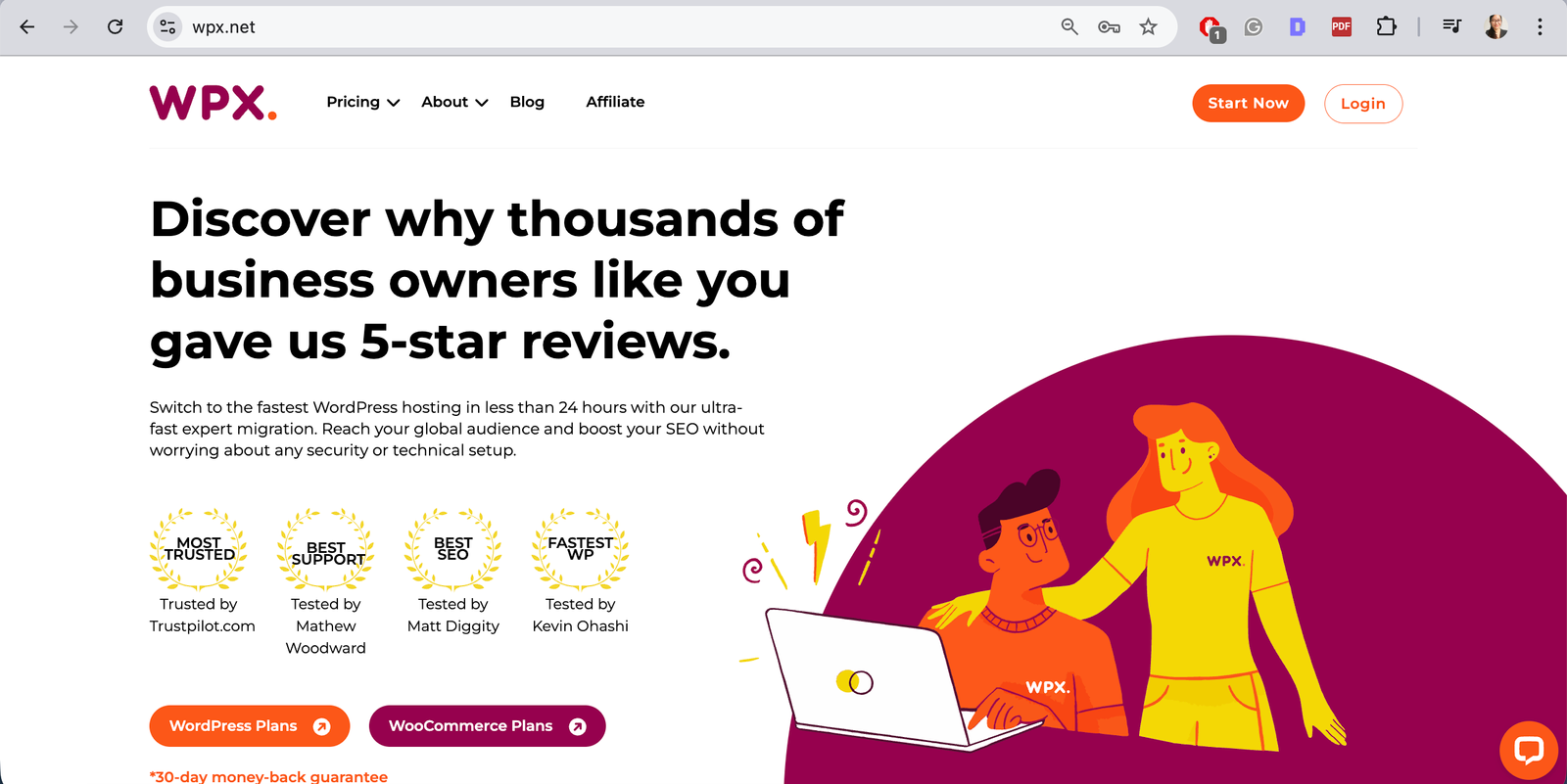
WPX offers excellent customer support – honestly, some of the best I have experienced. When you contact them, they usually understand WordPress issues quickly and respond efficiently, which can be very reassuring during stressful situations.
That said, I personally don’t love their dashboard. I find it less intuitive and harder to navigate compared to other hosting platforms, especially for non-technical users. It works well, but it’s not the most beginner-friendly interface.
HostArmada
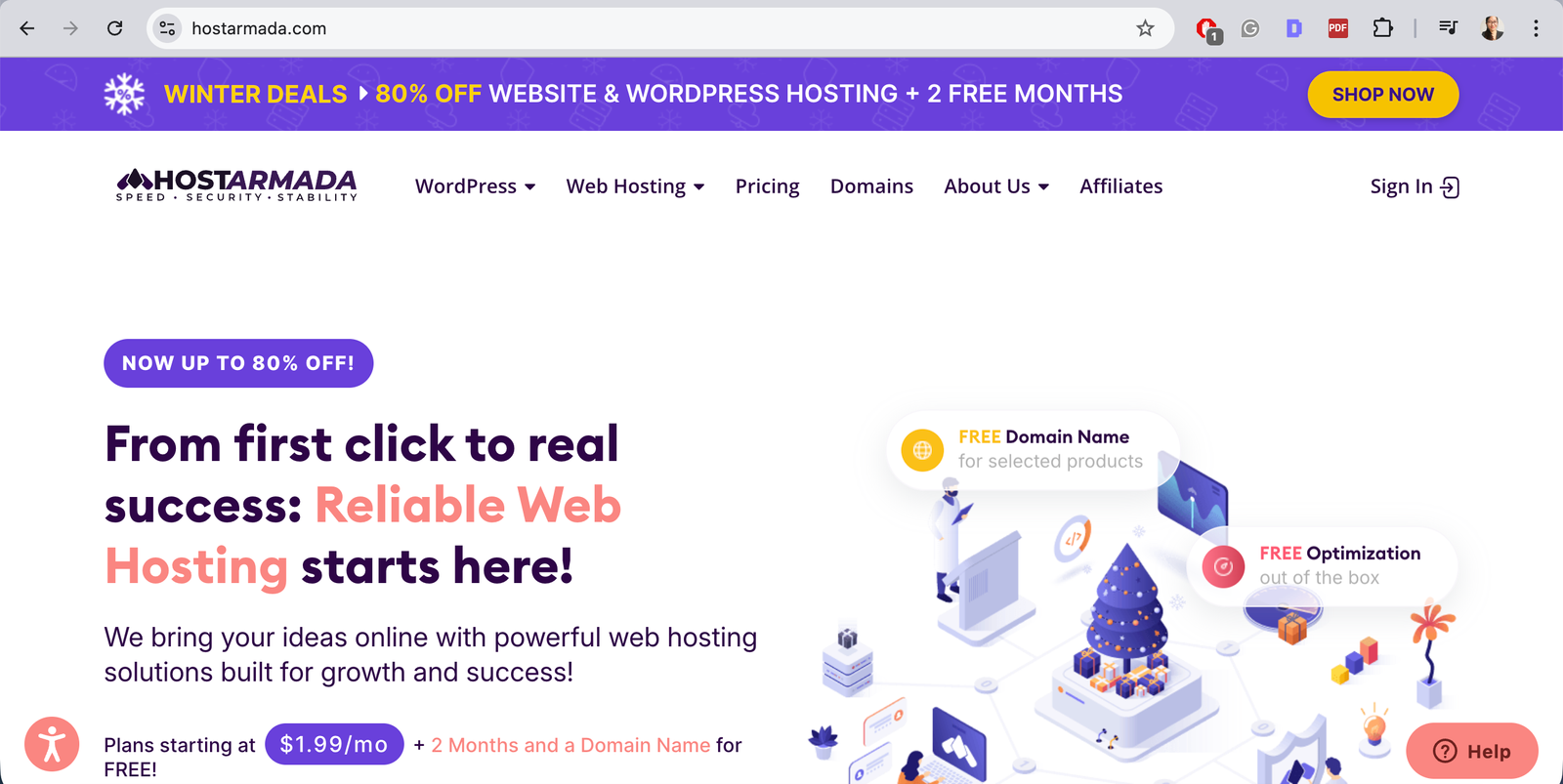
HostArmada is more budget-focused, and while it can work for smaller or simpler websites, my experience hasn’t been great.
The customer support is limited, and troubleshooting often feels slow or unclear. It may be suitable for tight budgets, but for websites that require ongoing changes, migrations, or redesigns, it can become frustrating quite quickly.
HawkHost
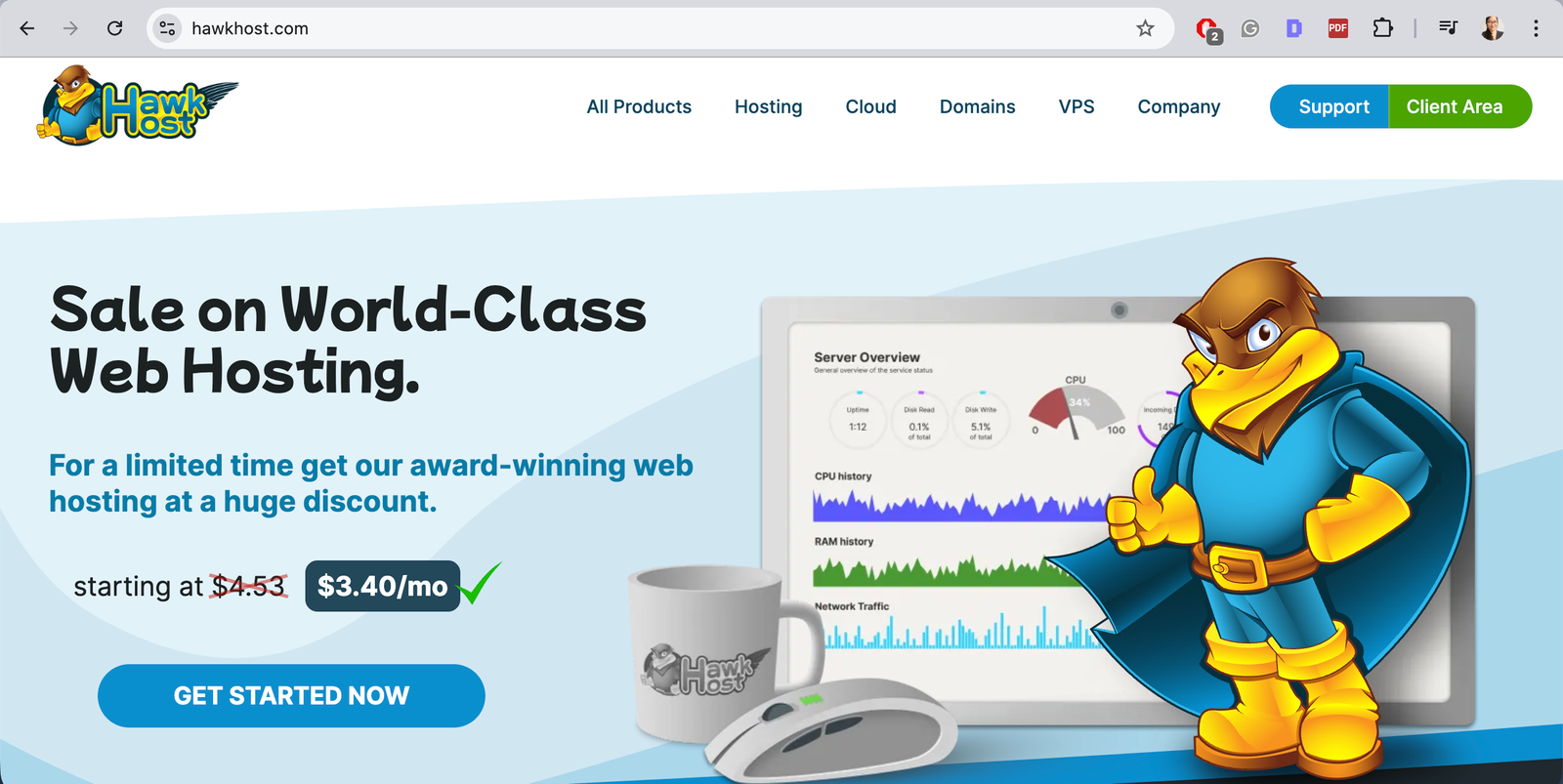
HawkHost is another budget-friendly provider. Similar to HostArmada, it can function for basic setups, but the platform and support don’t feel as robust. When issues arise, getting clear and helpful assistance can be difficult. For long-term website projects or businesses that rely on stability, I personally find this kind of hosting limiting.
Why a Staging Site Is Essential
A staging site is one of those things that sounds technical, but once you understand it, it just makes sense. It exists to protect your live website while changes are being made. Whether you’re redesigning, switching themes, or cleaning up plugins, staging gives you a safe space to work without anyone seeing broken pages or unfinished layouts.

What a Staging Site Is
A staging site is a private copy of your live website. It looks the same, contains the same content, and runs on the same hosting environment, but it isn’t visible to the public or indexed by search engines. Think of it as a “practice version” of your website. You can test changes, make mistakes, fix issues, and double-check everything before applying those changes to the real site that visitors see.
Why Theme Changes Often Break Websites
Changing a WordPress theme affects much more than just colours and fonts. Themes control page layouts, templates, headers, footers, and how content is displayed. When a theme is replaced, some elements may disappear, shift position, or stop working entirely. This doesn’t mean anything is “wrong” – it’s just how WordPress works. However, without staging, all of these issues appear immediately on the live site, which can look unprofessional and confusing for visitors.
How Staging Protects Your Live Website
Using a staging site means all problems stay behind the scenes. You can fix broken layouts, rebuild templates, test plugins, and make adjustments without affecting real users, customers, or search engines. It also reduces stress. Instead of rushing to fix things while the site is already live, you have time to work carefully, test properly, and only publish changes when everything is ready.
Choosing a Theme: Performance vs Design Flexibility
Choosing a WordPress theme is one of the most important decisions you’ll make when building a website. A theme affects performance, maintenance, scalability, and how easy it is to make changes later. Over the years, I have worked with many different themes and builders, and I have learned that there’s always a trade-off between performance and design flexibility – there’s no single “perfect” option for every website.
Themes and Website Builders I have Personally Worked With
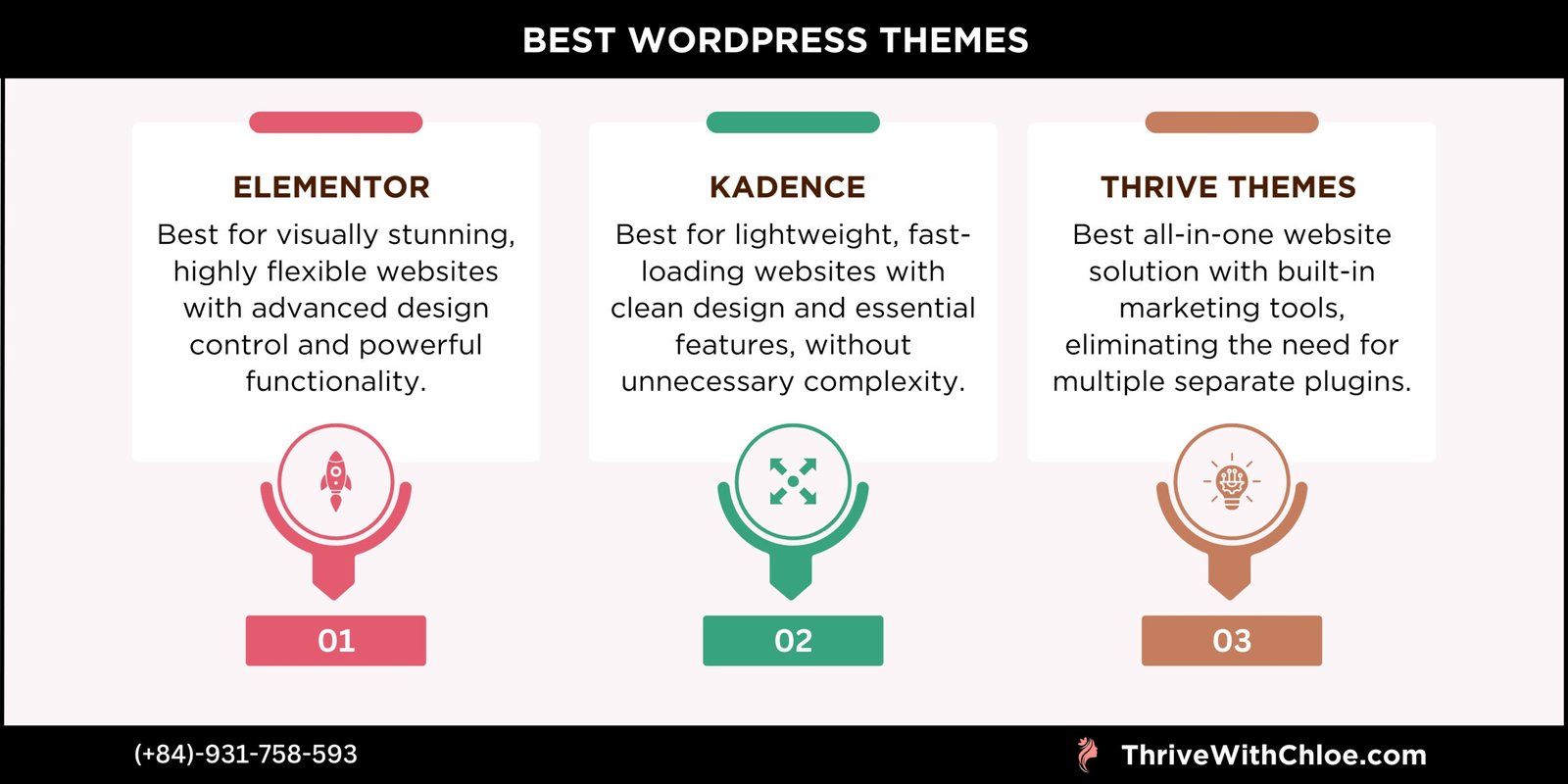
I have had hands-on experience with Kadence WP, Thrive Themes, Elementor, Astra, GeneratePress, and Gutenberg. Each of these tools serves a different purpose, and many of them are very popular for good reasons. The key is understanding what you’re trading when you choose one over another – speed, flexibility, simplicity, or long-term maintainability.
Lightweight, Performance-Focused Themes
Performance matters more than most people realise. It affects user experience, SEO, and how stable your website feels over time. Lightweight themes focus on clean structure, minimal code, and consistency, which often makes them easier to maintain and scale. In many cases, simple design is better.
A clear layout, consistent spacing, and predictable templates usually perform better than heavily customised designs – especially for blogs, service websites, and content-driven platforms.
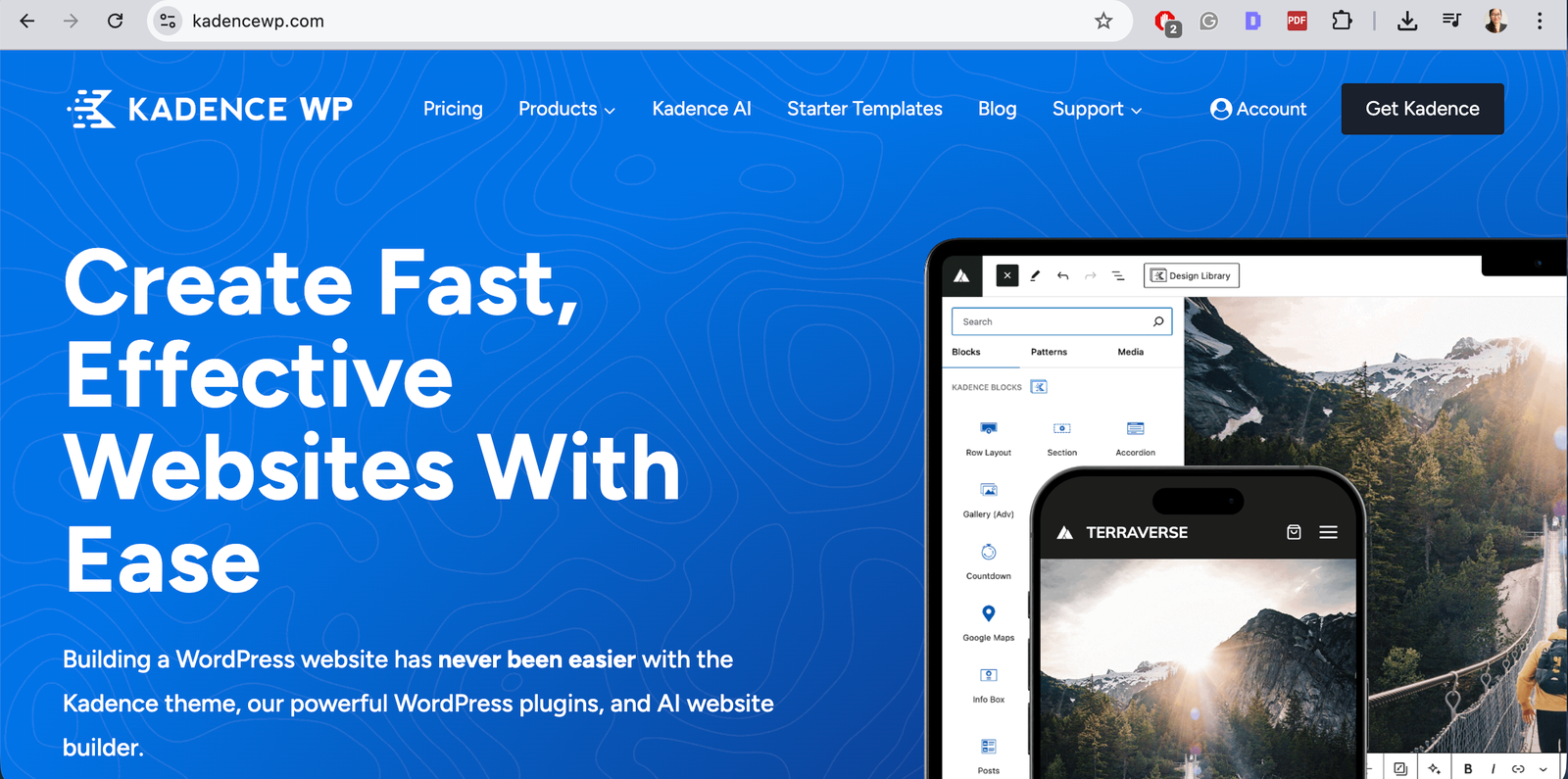
Kadence WP is a good example of a performance-focused theme that still offers flexibility. It works well with WordPress blocks, has a logical structure, and provides starter templates that help maintain design consistency across pages. This makes it easier to build, adjust, and expand a website without constantly fighting the system.
Themes like Astra and GeneratePress also fall into this category. They prioritise speed and stability, and work best when you don’t need overly complex visual effects.
Visual Builders and Design-Heavy Themes
Visual builders are ideal when design is a priority and the website needs more advanced layouts, animations, or custom styling. They allow you to see changes in real time and give more creative control over how pages look.
Elementor is one of the most popular tools in this category. It’s powerful, flexible, and makes it possible to build visually impressive pages without writing code. However, that flexibility comes with trade-offs.
Design-heavy builders can impact loading speed, require more maintenance, and introduce compatibility issues when combined with multiple plugins. This doesn’t make them bad tools – it just means they should be used intentionally.
Elementor works best when design needs outweigh performance concerns, and when the website is maintained properly over time.
A Personal Note on Thrive Themes
I used to genuinely love Thrive Themes. In fact, it played a big role in why I chose web design as my career. What appealed to me most was its all-in-one philosophy: with Thrive Theme Builder, you install one plugin and get everything you need – page builder elements, post lists, social sharing, conversion tools, and layout control – all working together inside a single system.
This was very different from setups like Kadence WP, where you often need multiple plugins to achieve similar results – one for blocks, another for block extensions, and additional plugins for features like social sharing or advanced layouts. Thrive’s approach felt cleaner, more unified, and easier to manage, especially for non-technical website owners.
However, since Thrive Themes was acquired by Awesome Motive in January 2023, my experience has changed. The platform has become more complex, pricing has increased noticeably, and I have encountered more bugs and unexpected behavior than in earlier years. Support responses have also slowed, which makes resolving issues more difficult.
Because of this, Thrive Themes is no longer a tool I actively enjoy working with, even though it was foundational in my early journey as a web designer.
Essential Plugins: What to Use (and What to Avoid)
Plugins extend what WordPress can do, but installing too many – or installing them without a clear purpose – often causes more problems than solutions. Every plugin should exist for a specific reason, and ideally, one plugin should do one job well. In this section, I group essential plugins by purpose rather than popularity, based on what a website actually needs to function properly.
Performance and Speed Optimisation
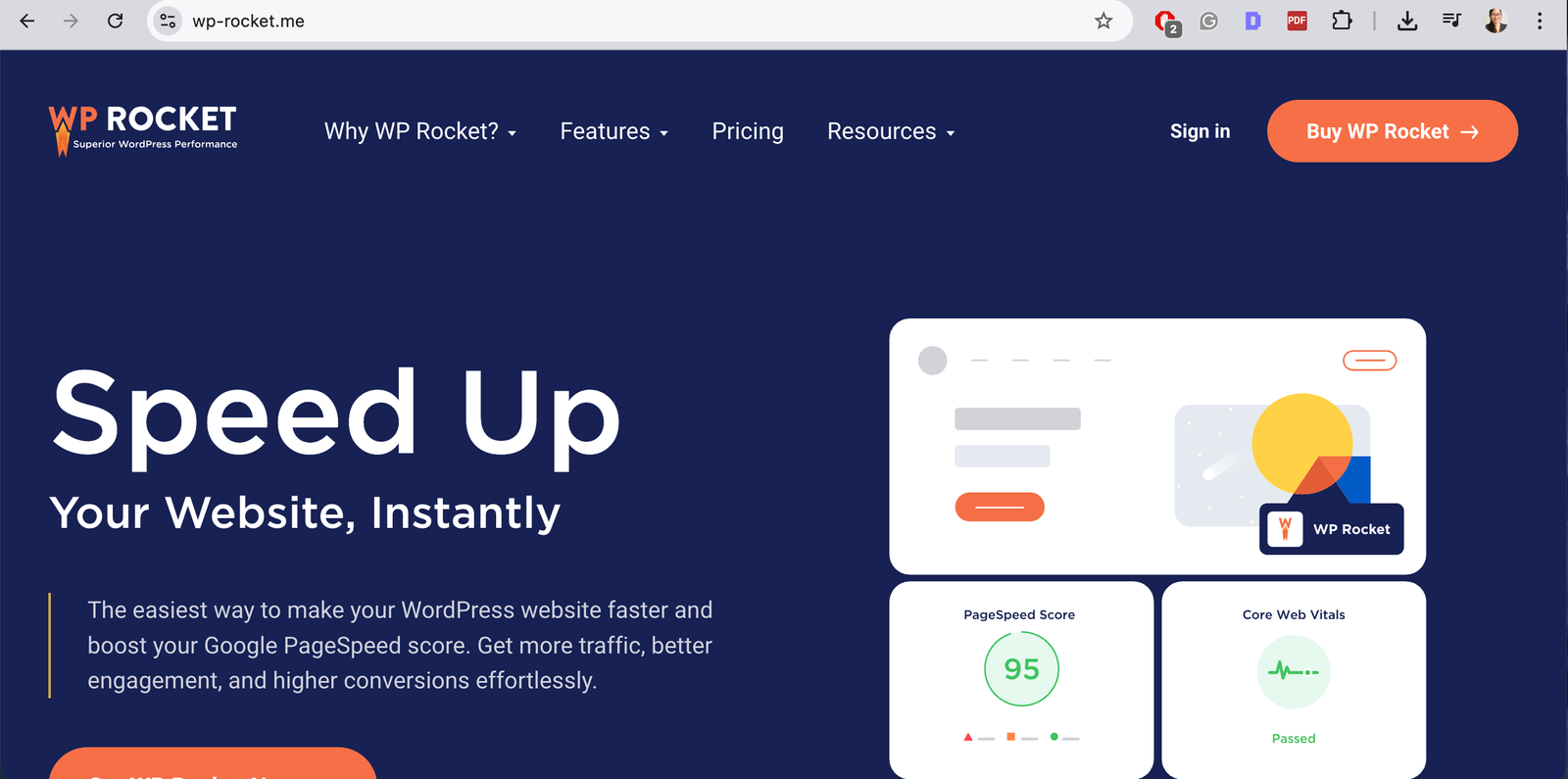
Website speed affects everything – user experience, SEO, and how trustworthy a site feels. A slow website pushes visitors away before they even read the content, which is why performance optimisation should be handled carefully and intentionally. From my experience, performance works best when it’s simple and controlled.
Using one well-configured caching plugin, combined with proper image optimisation, is usually enough for most WordPress websites. Problems often start when multiple performance plugins are stacked on top of each other, each trying to “fix” the same thing.
For performance optimisation, I have consistently had good results using WP Rocket for caching and general optimisation, alongside ShortPixel for image compression. There are many alternatives available, but these two have worked reliably across different hosting environments when set up correctly.
What to Avoid When Optimising Website Speed
- Installing multiple caching or optimisation plugins at the same time
- Turning on every optimisation setting without understanding what it does
- Using both a server-level cache and a plugin cache without checking compatibility
- Compressing images too aggressively, resulting in poor visual quality
- Chasing perfect speed scores instead of focusing on real user experience
Speed optimisation should make a website feel smoother, not fragile.
SEO and Search Visibility
SEO plugins are often misunderstood. They don’t rank websites by themselves, and they don’t replace good structure or meaningful content. Their real purpose is to help search engines understand how your website is organised and how it should be indexed.
In practice, SEO plugins help you manage:
- Page titles and meta descriptions
- Page structure and schema
- Indexing rules (what should and shouldn’t appear in search results)
- Consistency across pages and posts
Correct setup matters far more than plugin choice. A powerful SEO plugin used incorrectly can cause indexing issues, duplicated metadata, or pages disappearing from search results.

For on-site SEO structure and technical control, I have had the best experience with Rank Math Pro. It provides clear control over metadata, schema, and indexing behaviour once you understand how the settings work.
To connect your website with Google’s tools, Site Kit by Google is useful for visibility into Search Console, Analytics, and indexing status. It doesn’t replace deeper SEO analysis, but it keeps essential data accessible inside WordPress.
What to Avoid With SEO Plugins
- Installing multiple SEO plugins at the same time
- Leaving default settings untouched without reviewing them
- Automatically indexing every page, tag, or archive
- Treating SEO scores as performance goals rather than guidance
- Relying on plugins instead of content quality and structure
SEO plugins should support your strategy, not control it.
Internal Linking and Content Structure
Internal linking plays a big role in how both users and search engines move through a website. It helps readers discover related content naturally, and it helps search engines understand how pages connect to each other. Without internal links, even good content can feel isolated and hard to find.
As a website grows, content quickly becomes difficult to manage without a clear structure. Pages and posts may exist, but they don’t support each other, which weakens both navigation and SEO.
Internal linking is especially important for blogs and content-driven websites, where articles are meant to work together as clusters rather than standalone posts. When done properly, it improves user experience, increases time on site, and strengthens topical relevance.
To manage internal linking at scale, I have had the best experience with Link Whisper Pro. It helps identify linking opportunities, keeps anchor text organised, and makes internal linking much easier to maintain as content grows.
URL Management and Redirects
URLs are often overlooked, but they play a big role in both SEO and user experience. A clean, stable URL structure helps search engines understand your site and helps users trust the links they click. Once a page is published and indexed, changing its URL without a plan can cause broken links, lost rankings, and confusion.
As websites grow, URLs tend to change naturally – pages get renamed, content is reorganised, or entire sections are rebuilt. Without proper redirect management, these changes quietly create broken paths across the site.
For handling redirects and URL changes safely, I have had good experiences using Redirection to manage 301 redirects and track broken URLs.
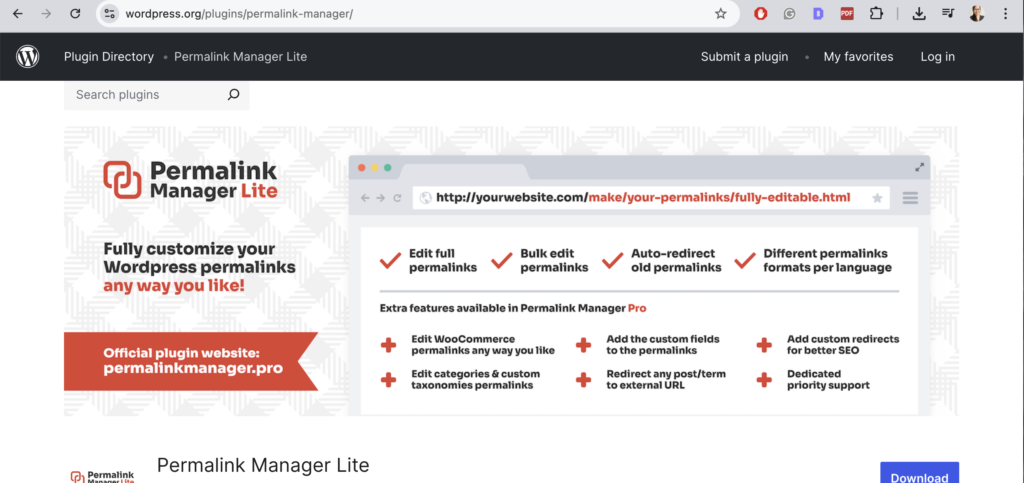
When more control over URL structure is needed, especially during migrations or redesigns, Permalink Manager Lite can help manage permalinks without breaking existing links. Used carefully, these tools help keep a website stable even as it evolves.
What to Avoid With URL Changes and Redirects
- Changing URLs on live pages without adding redirects
- Deleting pages without checking where they are linked
- Creating long redirect chains instead of direct redirects
- Using redirects as a permanent fix for poor structure
- Changing permalinks frequently without a clear reason
- URL changes should be intentional, not reactive.
Security and Website Protection
Website security is often ignored until something goes wrong. WordPress sites are common targets simply because WordPress is widely used, not because it’s insecure by default. The real risks usually come from outdated plugins, weak passwords, or unmanaged access. Good security is about prevention and awareness, not paranoia.
A secure website protects your content, your users, and your time – because recovering a hacked site is far more stressful than maintaining basic protection from the start. A security plugin helps monitor suspicious activity, block common attacks, and alert you when something needs attention. It shouldn’t slow the website down or constantly interrupt normal workflows.
For security, I have had the most reliable experience using Wordfence. It offers firewall protection, login security, and monitoring tools that are effective without being overwhelming when configured properly.
SEO Starts After the Theme Is Live (Not Before)
SEO setup works best when the website structure is final. While planning is important early on, applying SEO configurations before a theme is fully deployed often leads to duplicated work or incorrect settings.
Why SEO Setup Should Happen Post-Deployment
Themes control layout, templates, headings, and how content is rendered. Until the theme is live and stable, SEO settings are based on assumptions rather than reality.
Doing SEO after deployment allows you to:
- Set correct metadata based on final page structure
- Avoid reconfiguring settings after layout changes
- Ensure schema matches real templates
- Prevent indexing unfinished or temporary pages
SEO works best when the foundation is already in place.
Indexing, Tracking, and Performance Checks
Once the theme is live, the first SEO tasks are not content-heavy. They focus on making sure the website can be crawled, measured, and evaluated correctly.
This usually includes:
- Connecting Search Console and analytics
- Checking indexing and crawl status
- Reviewing page speed and Core Web Vitals
- Ensuring staging environments are not indexed
These checks ensure the site is visible and measurable before growth efforts begin.
GEO / SEO and Modern Search Behaviour
Search behaviour has changed. Users now search with location, intent, and context in mind, not just keywords. GEO SEO focuses on helping search engines understand who the website is for and where it is relevant.
This includes:
- Clear location signals
- Consistent business information
- Structured content that reflects real-world use cases
Modern SEO is less about chasing algorithms and more about clarity and relevance.
Why Content Structure Matters More Than AI-Generated Volume
Publishing large amounts of content without structure rarely leads to sustainable results. Search engines prioritise clarity, relationships between pages, and topical authority – not volume alone.
Well-structured content:
- Supports internal linking naturally
- Builds topical relevance over time
- Is easier to maintain and update
- Performs better long-term than scattered posts
AI tools can assist with content creation, but without structure and human decision-making, volume alone doesn’t build authority.
Content Optimization: Writing Content That’s Structured to Rank
Structure gets content in the right shape. Optimization makes sure it actually covers what it needs to. These are two different steps, and I see people skip straight from “well-organized” to “published” without checking whether the content addresses the topic thoroughly enough to compete.
Content optimization tools analyze top-ranking pages for a given keyword and show you what they tend to cover — related terms, subtopics, common questions, rough content length — so you’re writing with actual data instead of guessing what “good enough” looks like.
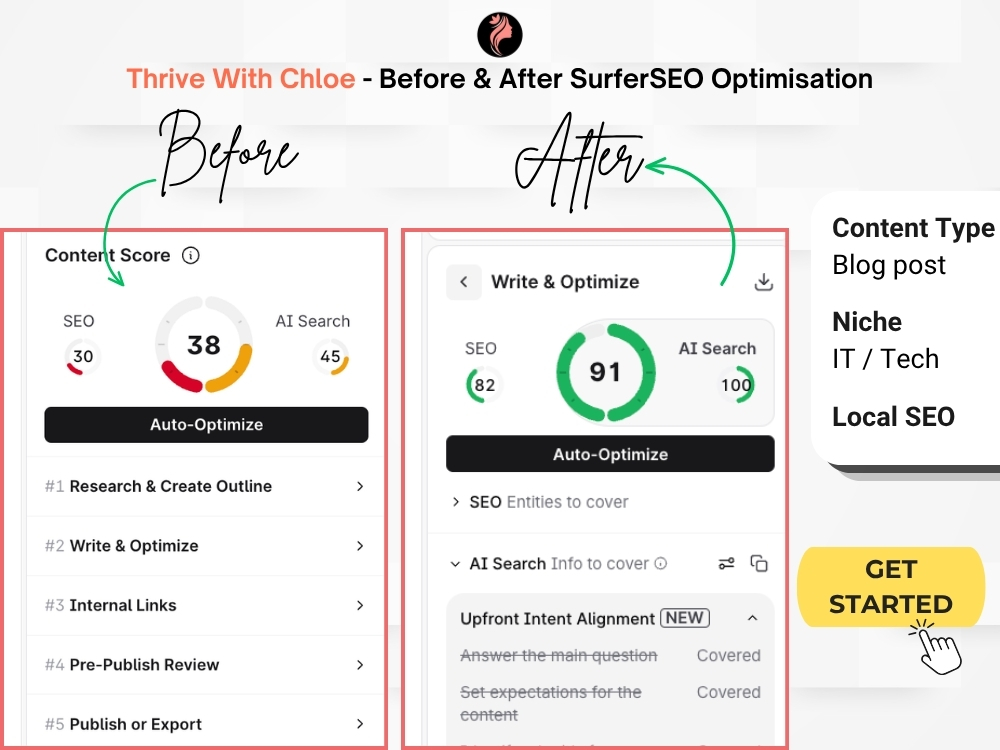
For this, I have had the best results using Surfer SEO. It scores a piece of content against real competitor data and flags gaps before publishing, rather than after. Used well, it removes a lot of the guesswork around whether a page is thin, off-topic, or missing something readers (and search engines) expect to see.

That said, a high content score doesn’t mean the content is good — it means the content is complete by the tool’s metrics. I still write and edit every sentence myself. The tool tells me what’s missing; it doesn’t tell me how to say it.
That distinction matters, especially with AI-assisted writing becoming more common — a page can score well and still read like it wasn’t written by a person who understands the topic.
What to Avoid With Content Optimization Tools
- Writing to hit a score instead of writing to answer the reader’s question
- Stuffing in every suggested term regardless of whether it fits naturally
- Treating a high score as proof the content will rank
- Skipping human editing because the tool gave a green light
- Using one tool’s score as the only measure of content quality
Content optimization tools are useful the same way SEO plugins are useful earlier in this guide — they support the strategy, they don’t replace the thinking behind it. If you’d rather have this handled for you, this is part of what I do in my SEO services.
Final Thoughts
Building a website that actually works is rarely about shortcuts or tools alone. It’s about understanding how the pieces fit together – hosting, structure, themes, plugins, content, and SEO – and making decisions with intention rather than urgency.
AI tools, plugins, and modern platforms can be incredibly helpful when used as assistants, but they work best when guided by human experience and clear thinking. A website built with understanding is easier to maintain, easier to grow, and far less stressful to manage when something inevitably changes.
If there’s one thing I hope this guide shows, it’s that building a website doesn’t have to feel overwhelming. When you slow down, build on solid foundations, and stay in control of your setup, the process becomes clearer and more manageable – and the results tend to last much longer.
A good website isn’t just something that looks nice on launch day. It’s something you can live with, learn from, and improve over time.
Frequently Asked Questions About Building A WordPress Website
What actually makes a WordPress website work properly?
A WordPress website works properly when it is built on reliable hosting, uses a stable and well-structured theme, relies on intentional plugins, and follows a clear content and SEO structure that reflects how real users interact with the site.
Why is hosting more important than website design?
Hosting directly affects website speed, security, uptime, and how easily problems can be fixed. Poor hosting can cause slow loading, errors, and crashes regardless of how well-designed a website looks.
What is a staging site in WordPress, and do I really need one?
A staging site is a private copy of your live website used to test changes safely. It is essential for redesigns, theme changes, and plugin updates because it prevents broken layouts, SEO issues, and public errors from appearing on the live site.
Do WordPress themes affect SEO and performance?
Yes. WordPress themes control page structure, templates, and how content loads. Lightweight themes prioritise speed and stability, while visual builders offer more design flexibility at the cost of performance and maintenance complexity.
How many plugins should a WordPress website have?
There is no fixed number, but a WordPress site should only use plugins that serve a clear purpose. Fewer, well-configured plugins usually result in better performance, stronger security, and fewer technical conflicts.
Can SEO plugins automatically rank my website?
No. SEO plugins help manage metadata, schema, and indexing rules, but rankings depend on content quality, internal linking, site structure, and correct configuration – not automation alone.
When is the right time to set up SEO on a WordPress site?
SEO should be configured after the theme and site structure are fully live. This ensures metadata, schema, and indexing settings match the final layout and prevents rework or indexing errors.
Why is internal linking important for WordPress SEO?
Internal linking helps search engines understand how content is related and helps users navigate the site more easily. Strong internal links improve visibility, engagement, and long-term SEO performance.
Does publishing more content automatically improve SEO?
No. Publishing large amounts of unstructured content rarely leads to sustainable results. Structured, internally connected content performs better over time than high-volume publishing without a clear strategy.
Can AI tools build and manage a WordPress website by themselves?
AI tools can assist with content creation and setup, but effective WordPress websites still require human decisions about structure, performance, SEO, and long-term maintenance.
Do I need a content optimization tool like Surfer SEO?
Not strictly, but it helps remove guesswork. Tools like Surfer SEO show what top-ranking pages tend to cover, so you can check for gaps before publishing rather than after. They support good writing — they don’t replace it, and a high score is never a guarantee of rankings.